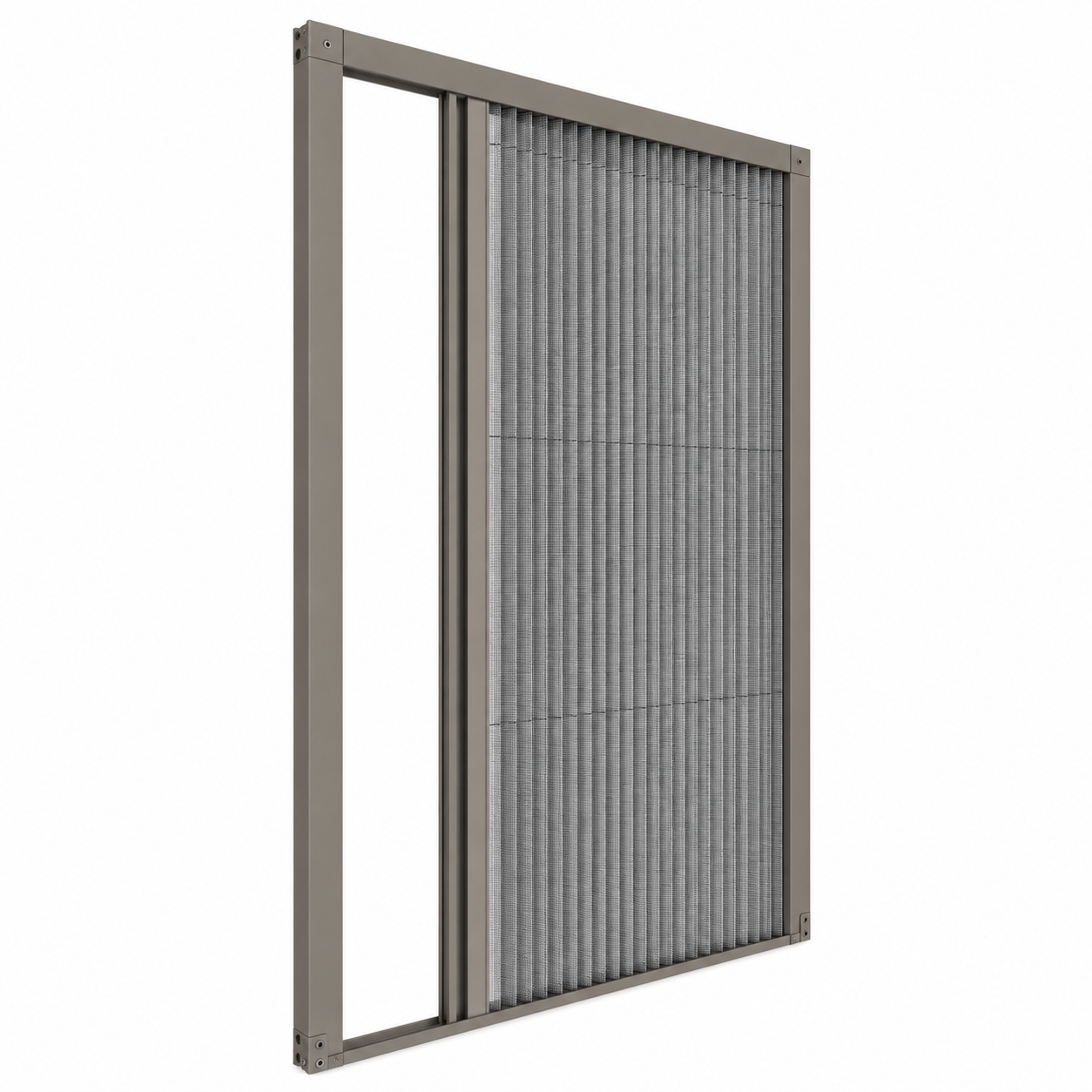
01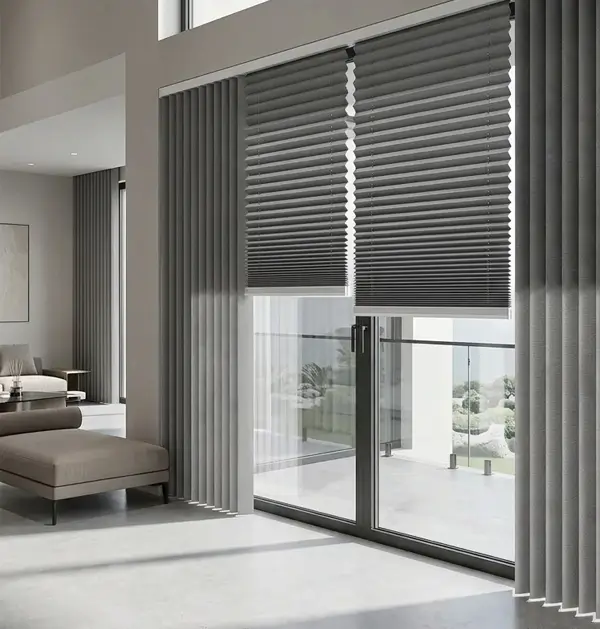 Illustrative application image
 PLİSE SİNEKLİK VE PERDE SİSTEMLERİ
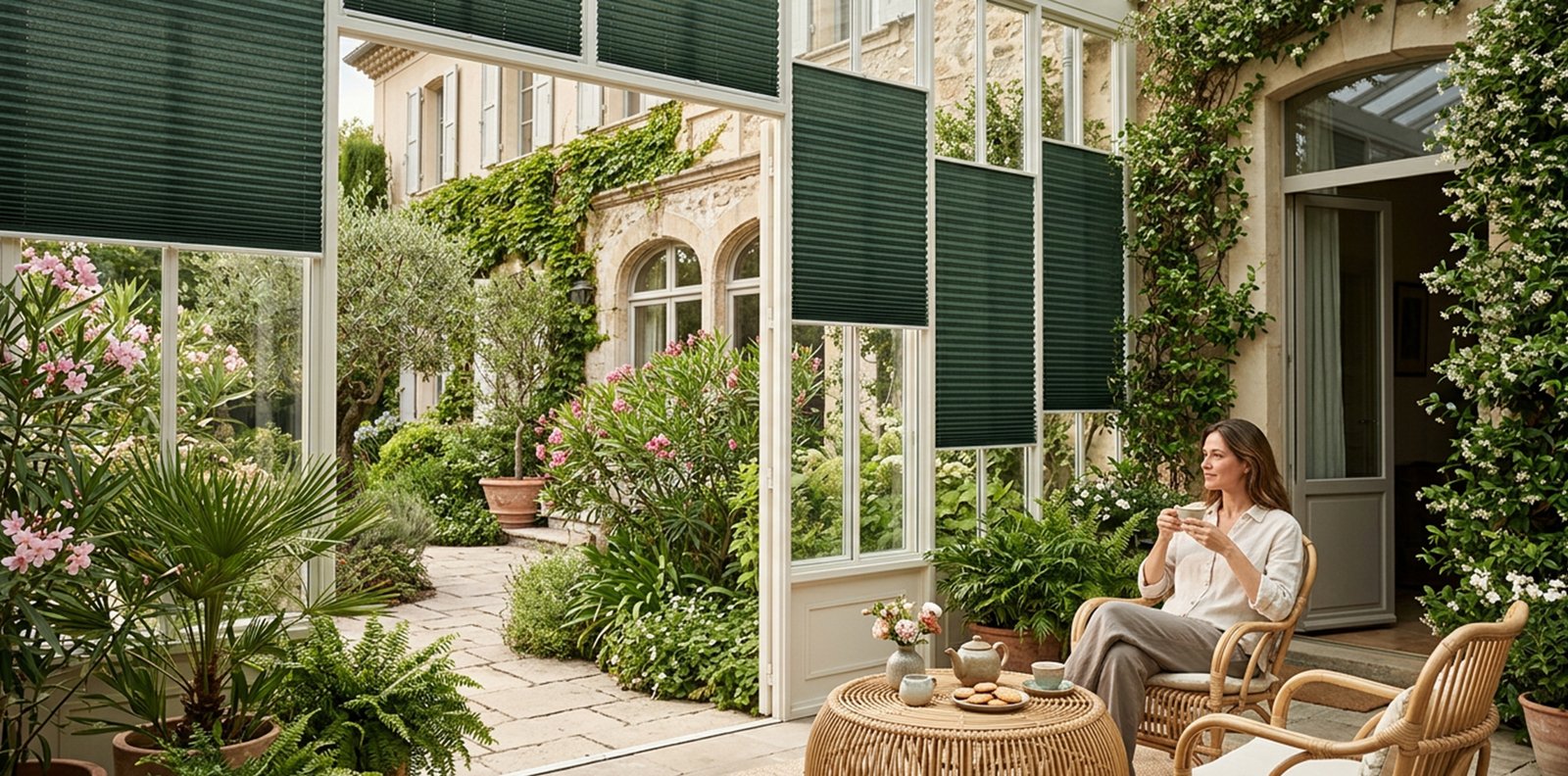
PLISVERA PLEATED BLINDS
Discover pleated systems that bring a considered touch to every opening.
DISCOVER MORE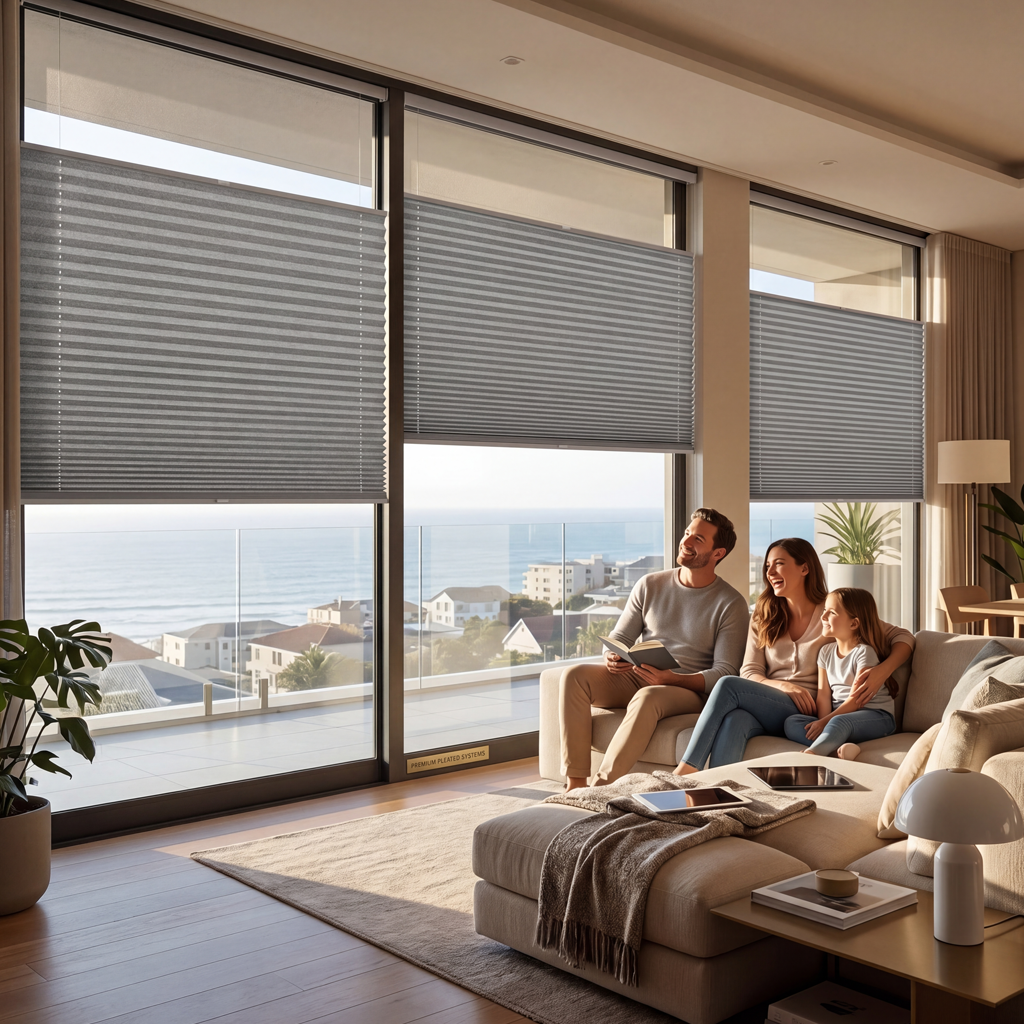
MEET PLISVERA
PLISVERA manufactures pleated blinds and pleated insect screens. We bring the two product families together in a clear collection, making it easier to explore their different purposes and visual options.
Explore systems, compare surfaces and create a selection sheet for your next project.
OUR COLLECTIONTHE COLLECTION
Begin with what your space needs. Shape the light with a blind, or introduce a screen to an opening.
SIDE BY SIDE
Different functions, clearly presented. Select one or both product families to compare.
| At a glance | Pleated blinds | Pleated insect screens |
|---|---|---|
| Primary purpose | Light & privacy | Insect screening |
| Pleated surface | Pleated textile | Pleated mesh |
| Typical setting | Interior glazing | Doors & windows |
| Explore in the studio | Fabric tone · Frame finish | Mesh tone · Frame finish |
| Your next step | Explore this system ↗ | Explore this system ↗ |
Product families are shown for orientation. Final configuration and suitability depend on your opening and the confirmed product specification.
THE DESIGN STUDIO
Explore the visual relationship between pleats, frame and colour. Move the slider to see the opening change.
Slide to explore the pleated surface. Movement is schematic.
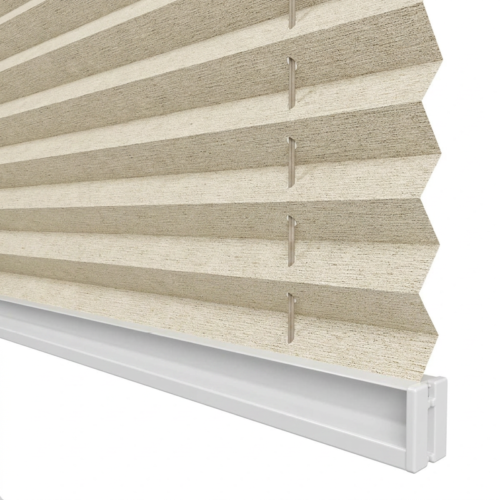
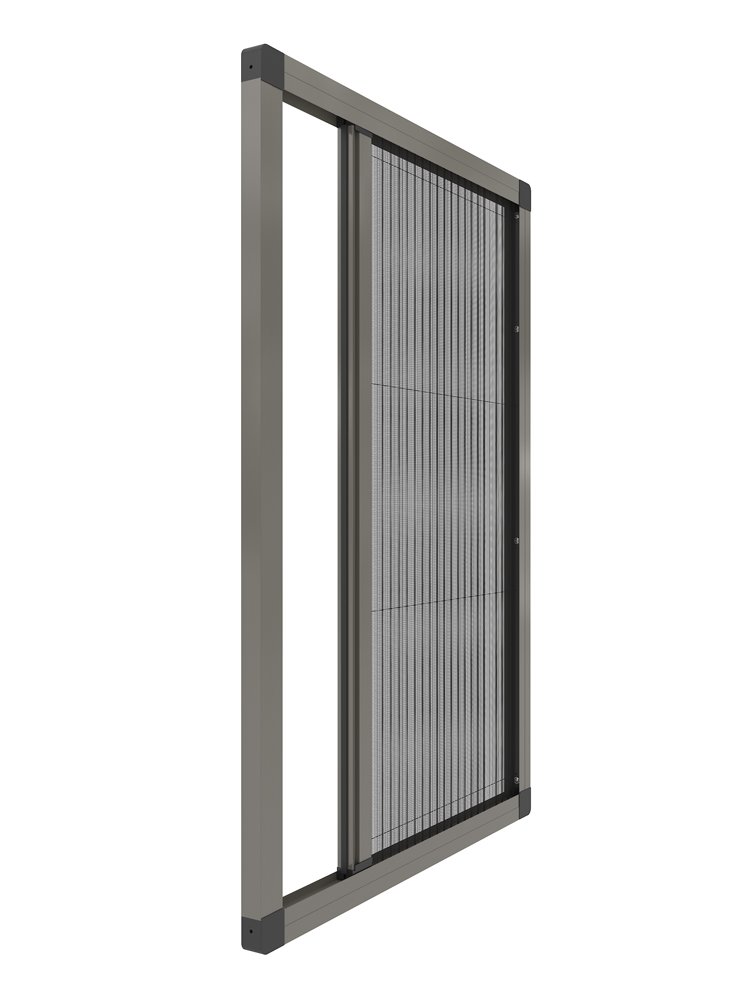
The slider controls this illustrative mesh movement and the schematic preview together. Frame colours are shown in the schematic preview.
Illustrative preview. Colours, textures and movement are not a technical specification.
FROM A FIRST IDEA TO A CLEAR BRIEF
Review your preferred system and finishes together in a selection overview, ready for a conversation about your project.
Create your selection